
Modern cartoon slot art, drawn as one matched set
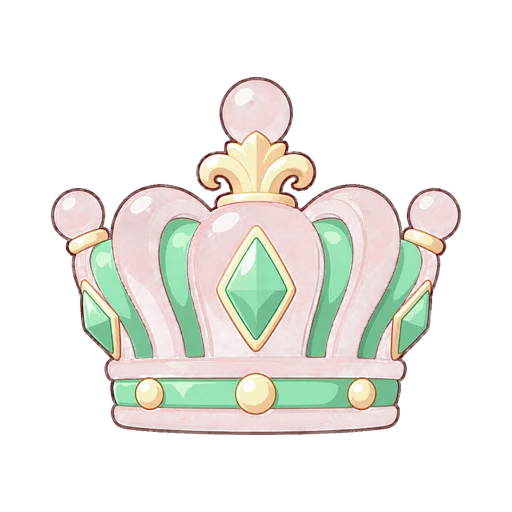
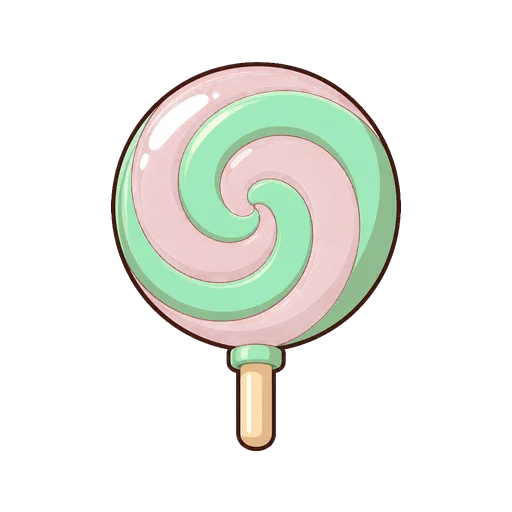
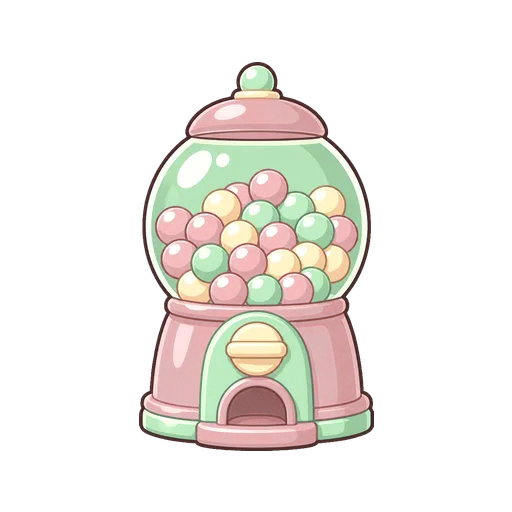
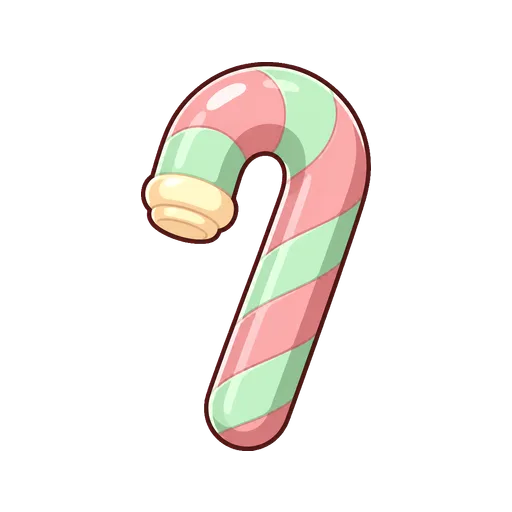
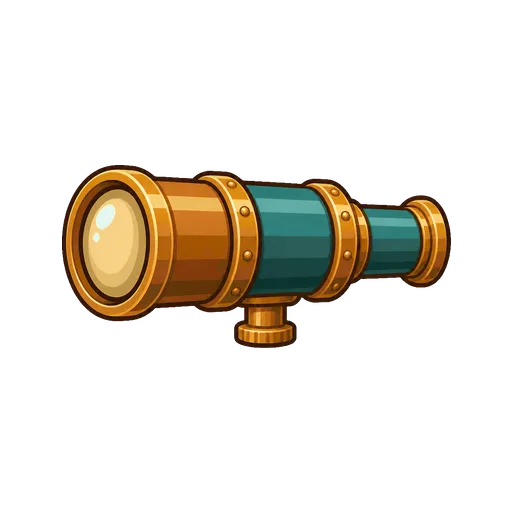
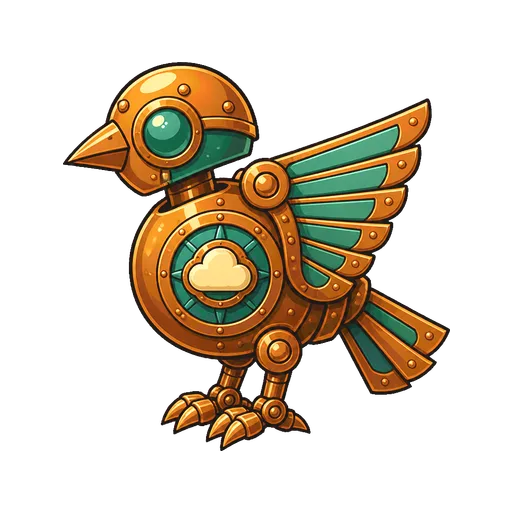
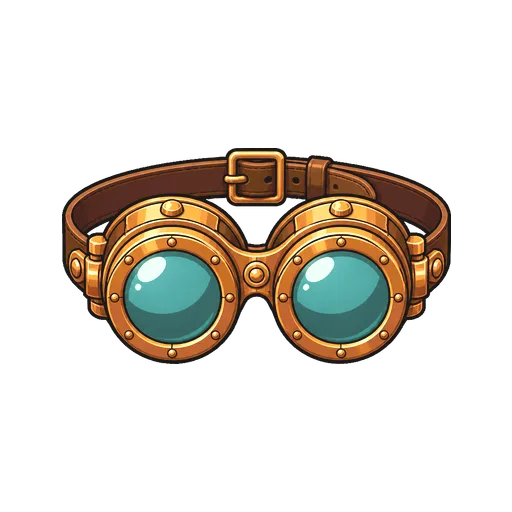

Modern cartoon is the clean, outlined, cel-shaded look of casual mobile games, applied to a full slot set. Shapes are bold, colour is saturated but held to a palette, and every symbol carries a dark outline. In Slot Art Generator it is one of five presets in the Style field, and choosing it changes the rendering of everything in the set: symbols, mascot, cabinet, both backgrounds, title logo, UI kit, win and bonus art.
What the preset asks the model for
Every asset is drawn by OpenAI's GPT Image 2 against one shared visual contract. The style sets three of its lines. For Modern cartoon they ask for:
- Renderer
- Polished modern cartoon game art: bold readable shapes, clean outlines, saturated but controlled colour.
- Materials
- Solid fill areas with one hard cel-shadow step and one hard cel-highlight step, and no gradients inside any shape.
- Edges
- A uniform 4 px dark contour on the outer silhouette only.
Everything else is shared with the other styles: a dead-on front camera for symbols, one key light from the upper left at 35 degrees, three value bands per material, a 60/30/10 colour split and no bloom, grain or blur. That shared light is why the cel shadows fall on the same side of every object. When card ranks are composed in code rather than generated, this preset sets them in a clean sans serif to match.
Themes and audiences it suits
Cartoon suits games that want to feel friendly and quick: candy, fruit, carnival, farm animals, retro arcade, sports, and playful versions of pirates or steampunk. It is a natural fit for crypto casino originals, social casino and sweepstakes lobbies, where games are often bright, mobile-first and lighter in tone than classic real-money titles. The guide to crypto casino original slots covers that market.
It is a poor fit when the game has to feel heavy or valuable, such as a high-roller gold theme, or when the subject depends on fine material detail. There, premium 3D usually serves better.
How it holds up at reel size
Of the five presets, cartoon is the most forgiving at small sizes. The outer contour separates every symbol from the cabinet panel whatever colour the panel is, and flat fills do not turn to mush when scaled down. The 96-pixel test, naming each symbol from its outline in a 96×96 cell over the real cabinet, is usually easy to pass.
The risk is the opposite one: tiers flattening. With flat fills, a high pay and a low pay can look equally simple. The pipeline keeps them apart in two ways. Premium symbols are asked for more shape masses and a second inlaid material, and they get a separately generated plaque layer behind them; low pays get one material, no ornament and a wider margin. Fills are normalised to 80% for the Wild and Scatter, 76% for high pays and 70% for low pays on a 512×512 canvas.
Materials and lighting
Cartoon does not mean flat light. Each shape gets exactly one shadow step and one highlight step, which reads as volume without gradients. Metal is a light band and a dark band with a sharp edge between them; candy is a saturated fill with one white glint. Because the contour sits on the outer silhouette only, internal detail is drawn with colour and value rather than more lines, which keeps the symbol clean in motion.
Pitfalls
- Looking cheap. Unpolished cartoon art reads as a free-to-play placeholder. The preset asks for polished game art and controlled colour; help it by naming a specific, lit place in the theme instead of a genre.
- Colour overload. Saturated styles tempt every symbol into its own hue. Name three colours in the Palette field and the set stays on them.
- Faces on props. Faces, eyes and hands are excluded from every symbol unless you tick Character on that row. Tick it for a smiling gumball machine, not by default.
- Busy outlines. Extra lines inside a shape are the model drifting from the contract. Redraw that one symbol rather than the set.
Choosing it in the studio and steering it
Open a new game and set the Style field to Modern cartoon. Then write the theme as a place and a light, for example a pastel carnival built from sweets under a bright afternoon sky. Name the cast in the symbol rows if you want control over it, mascot first, and tick Character on the ones that should have faces. Avoid writing rendering terms such as cel shading or outline width into the theme; the contract already fixes them. Use Extra direction for set-wide notes, and a redraw for any single asset: it creates a candidate beside the current image and changes nothing until you accept it.
See it in finished sets
Sugar Rush Carnival is a pastel carnival built from sweets, with a lollipop, gumball machine and candy cane on the reels. Brass Sky Armada shows the same preset on a copper airship dock above the clouds, proof that cartoon is not only for candy. Both play as five-reel games in the showcase. For a sharper, more geometric version of this look, compare vector slot art, and read writing a slot art prompt before naming your own cast.
Questions
- How do I make cartoon slot symbols with AI?
- Open a new game, write a game name and a theme sentence, and set the Style field to Modern cartoon. Every symbol, the mascot, the cabinet, the backgrounds and the UI kit are drawn in the same outlined, cel-shaded style and delivered as transparent PNGs with a placement manifest.
- Which slot themes suit a cartoon art style?
- Candy, fruit, carnival, animals, retro arcade, sports and playful takes on steampunk or pirates. It also suits crypto casino originals, social casino and sweepstakes lobbies, where games tend to be bright, mobile-first and lighter in tone than classic real-money titles.
- Why do my cartoon slot symbols all have faces?
- Cartoon styles invite faces on everything. Here faces, eyes and hands are excluded from every symbol unless you tick Character on that symbol's row, so a candy cane stays a candy cane. Tick it only for the symbols that should be characters.