
Premium 3D slot art, drawn as one matched set
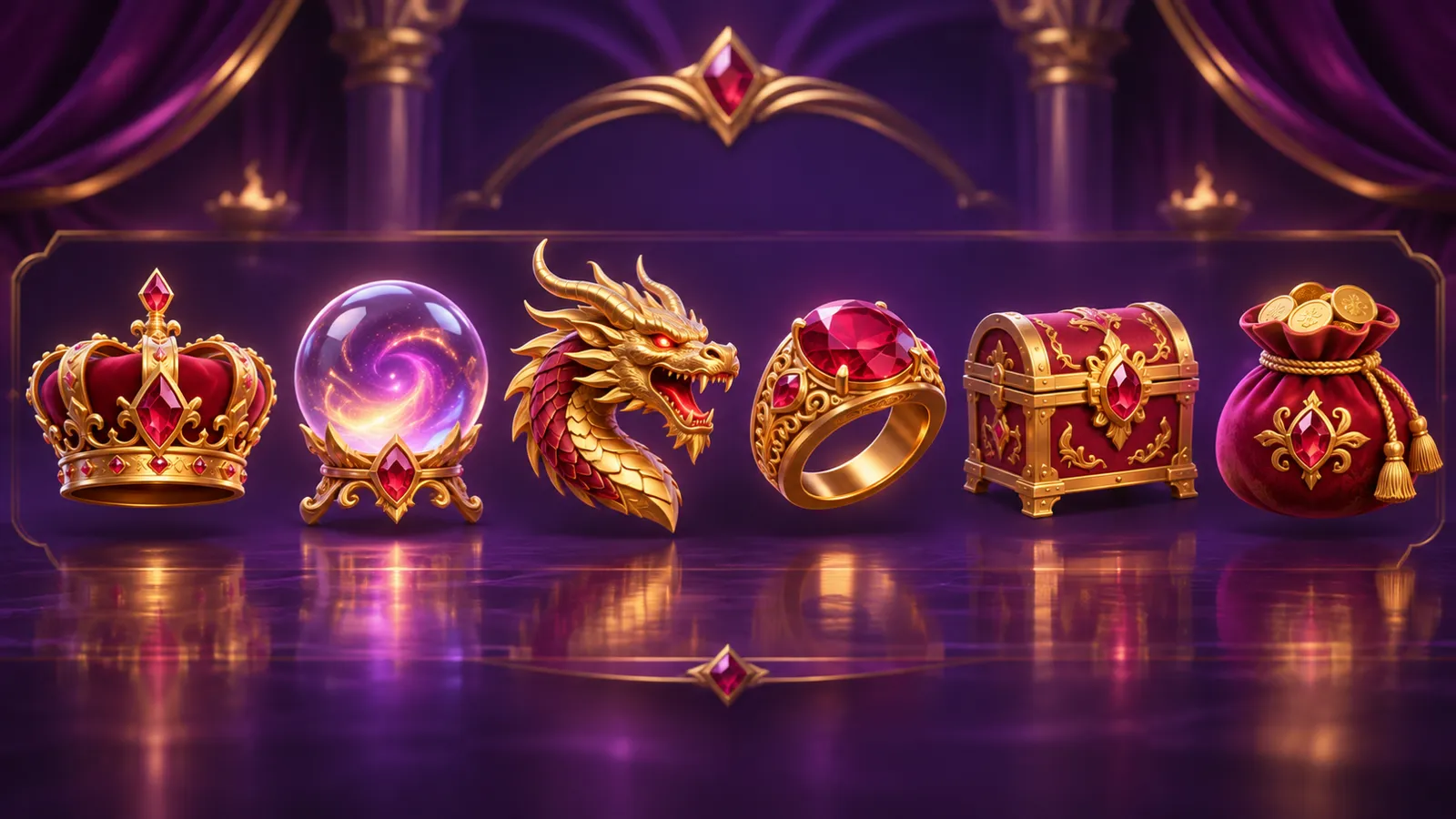
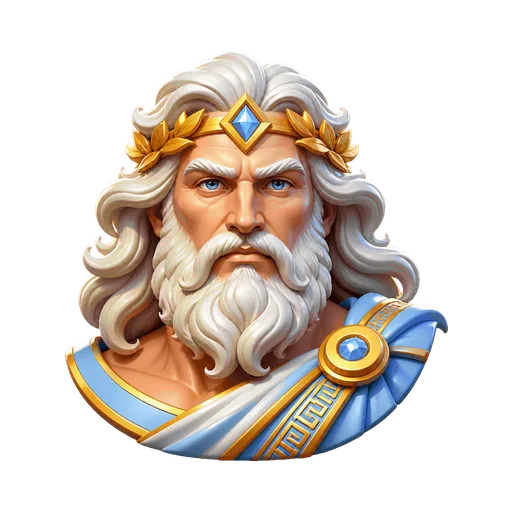
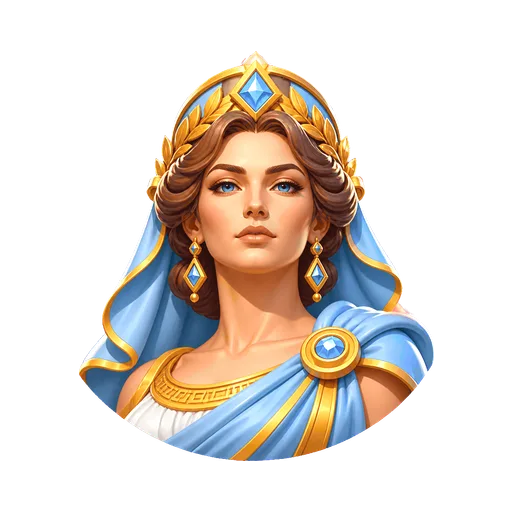
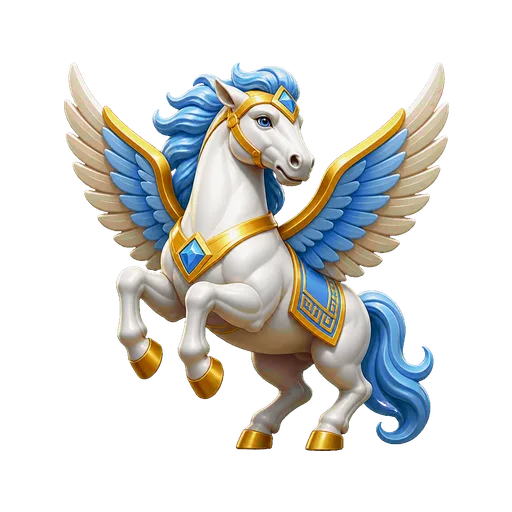
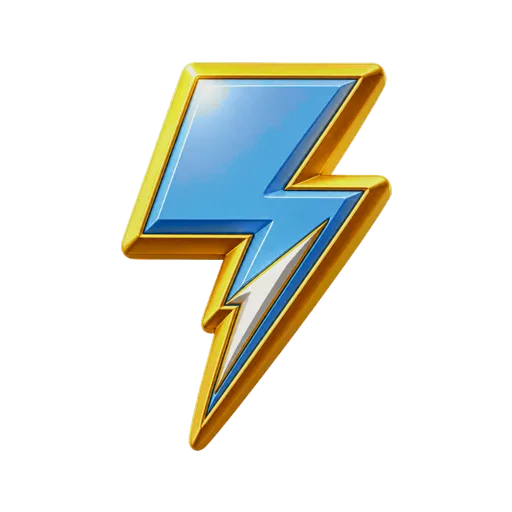


Premium stylized 3D is the default style. Leave the Style field alone and every symbol, background, cabinet, mascot and button in the set comes out this way: sculpted objects with real volume, polished metal and cut stone, rounded bevels catching one key light. It's the look a lot of current video slots use, and the one a mainstream lobby expects.
The three lines the preset changes
Every asset is drawn by OpenAI's GPT Image 2 against one shared visual contract. Picking a style swaps three lines of that contract and leaves the rest alone. For premium 3D they read:
- Renderer
- A premium stylised 3D game render: sculpted forms, polished materials, rich bevels, crisp silhouettes.
- Materials
- Sculpted matte-to-satin surfaces, 2 mm rounded chamfers, brushed metal with fine anisotropic streaking, polished gemstone with one internal facet plane.
- Edges
- A crisp unlit silhouette edge, with no drawn contour line.
Everything else is shared by all five styles: a dead-on front camera for symbols, one key light from the upper left at 35 degrees with a 15% fill from the lower right, three value bands per material plus one highlight cluster, a 60/30/10 colour split, and no bloom, grain, lens flare or blur. Note the word stylised. The model is asked for a game render, so forms come back simplified, closer to a clean sculpt than a product photo.
What it flatters
Hard, valuable objects. Thunderbolts, crowns, helmets, chalices, coins and cut gems all have edges for a 2 mm chamfer to sit on and flat faces for a highlight. That's why gods and myth, treasure, gold, pharaohs, dragons and classic Vegas work so well in it. It reads as expensive at a glance, which makes it a safe pick for a game going into a real-money lobby next to big studio titles.
Smoke, fabric and fur give a bevel nothing to catch. If most of your cast is soft, look at hand-painted slot art first.
Where it breaks at reel size
There's no contour line in this style. A 3D symbol separates from the cabinet panel by value and light alone. With a strong closed mass and a clear highlight that's plenty. A dark subject on a dark panel just disappears.
Test it the boring way. Shrink each symbol to a 96×96 cell over the actual cabinet and name it from the outline. Symbols arrive on 512×512 transparent canvases, reframed to exact fills: 80% for the Wild and Scatter, 76% for high pays, 70% for low pays. Framing can't fix internal detail, though. Engraving and filigree that look rich at 512 turn to noise once the reels spin, so put the richness in material and light. Every finished set opens as a playable five-reel game, so you can check this moving.
The failures we see most in this style:
- Everything turns gold. A theme that names gold and treasure can give you a row of near-identical gold objects. Pick a palette whose dominant colour isn't a metal, and give the high tier subjects with clearly different outlines.
- Dark on dark. A deep navy object on a dark panel loses its edge. Keep the dominant colour lighter than the cabinet interior, or put the theme in bright light.
- Plastic. Satin with only one material can read as a toy. Name real materials in the theme: marble, bronze, lapis.
Materials and the tier gap
The material list is written for tiers. High pays get a body material with a second material inlaid, one polished metal accent and a chamfer where the light catches. Low pays get one material and no ornament. In 3D that gap shows instantly: a gold-inlaid helmet next to a single-material card rank is obviously two tiers.
Light always comes from the upper left. That shared key is what makes dozens of separate images look lit in one room, and the optional shadow and rim layers derived from each symbol follow it. The plaques behind premium symbols are separate layers you can recolour, animate or drop.
Steering it from the brief
Start a new game, write the name and theme, and leave Style on Premium stylized 3D. Then steer with the words you're already writing:
- Put the place and the light in the theme. "A marble temple on a cloud summit in hard morning sun" gives a brighter, higher-contrast set than "Greek slot".
- Use the Palette field for colours, say ivory, warm gold and electric blue. Left blank, the style board picks three that suit the world.
- Name materials, not render terms. Bevels, value bands and highlights are already fixed by the contract, and repeating them can fight it.
- Set-wide notes go in Extra direction. A note for one asset goes in a redraw, which creates a candidate beside the current image and changes nothing until you accept it.
A finished 3D set
Zeus Thunder Wins was made in this preset: Olympus in shafts of sunlight, a Zeus mascot, Pegasus and thunderbolt symbols, with desktop and phone stages. The showcase has sets in every style. For a darker, more ornate take on similar themes, see dark fantasy slot art, and keeping an AI slot set consistent goes through the shared contract in detail.
Questions
- How do I make 3D slot symbols with AI?
- Start a new game, write a game name and a theme sentence, and leave the Style field on Premium stylized 3D, which is the default. Everything from the Wild to the spin button is drawn in the same sculpted 3D look and delivered as transparent PNGs with a placement manifest.
- Are the 3D slot symbols real 3D models?
- No. They're 2D PNGs rendered to look sculpted, with bevels, polished metal and a fixed key light. There are no meshes, textures or rigs, so they drop straight into a 2D slot client, but you can't rotate or relight them.
- What themes suit premium 3D slot art?
- Themes made of hard, valuable things: gods and myth, gold, gems, treasure, pharaohs, dragons, classic Vegas. Polished metal and cut stone give the bevels and highlights something to catch. Smoke, fabric and fur give it much less.