
AI slot background generator for desktop, phone and bonus stages


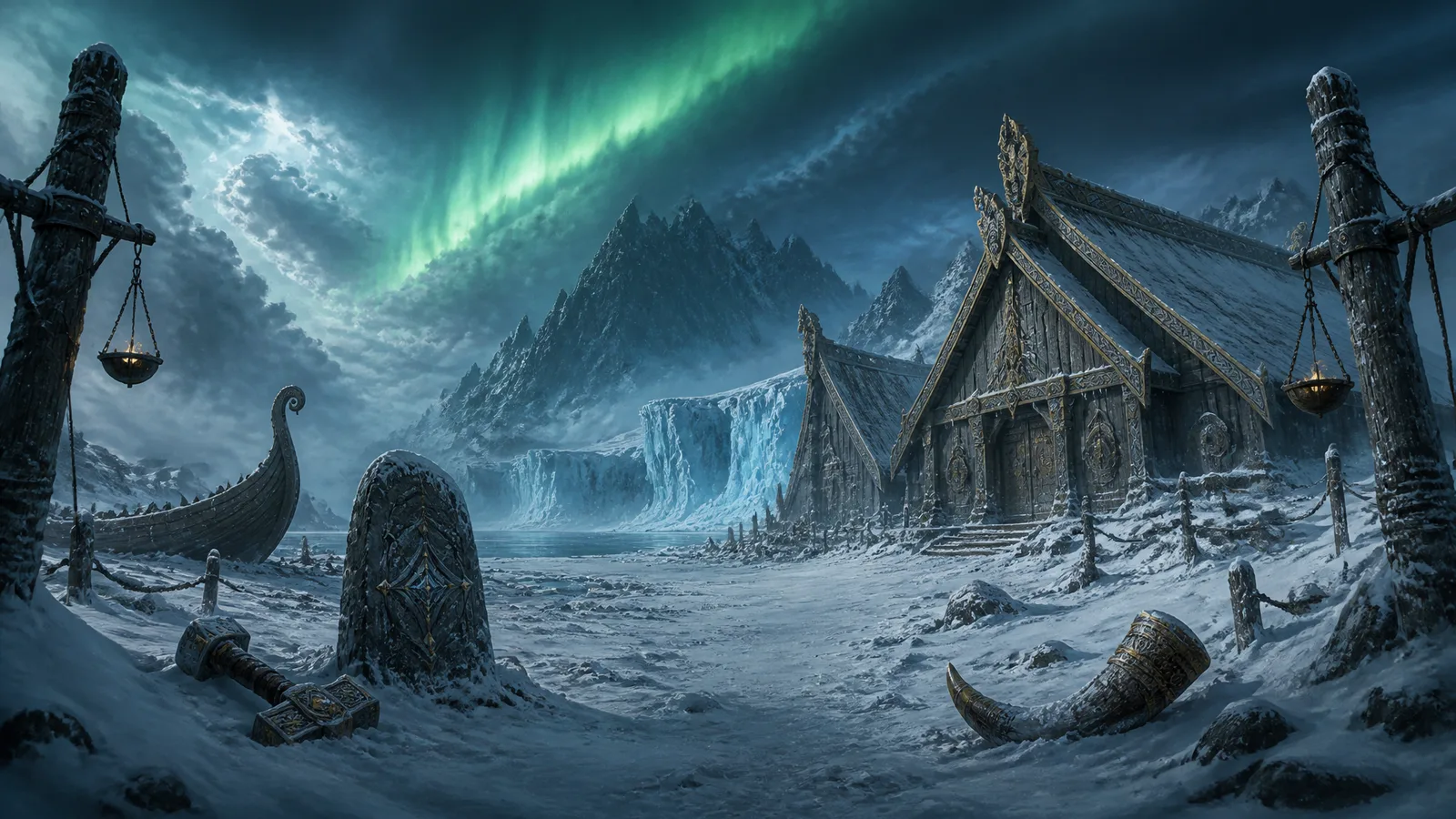


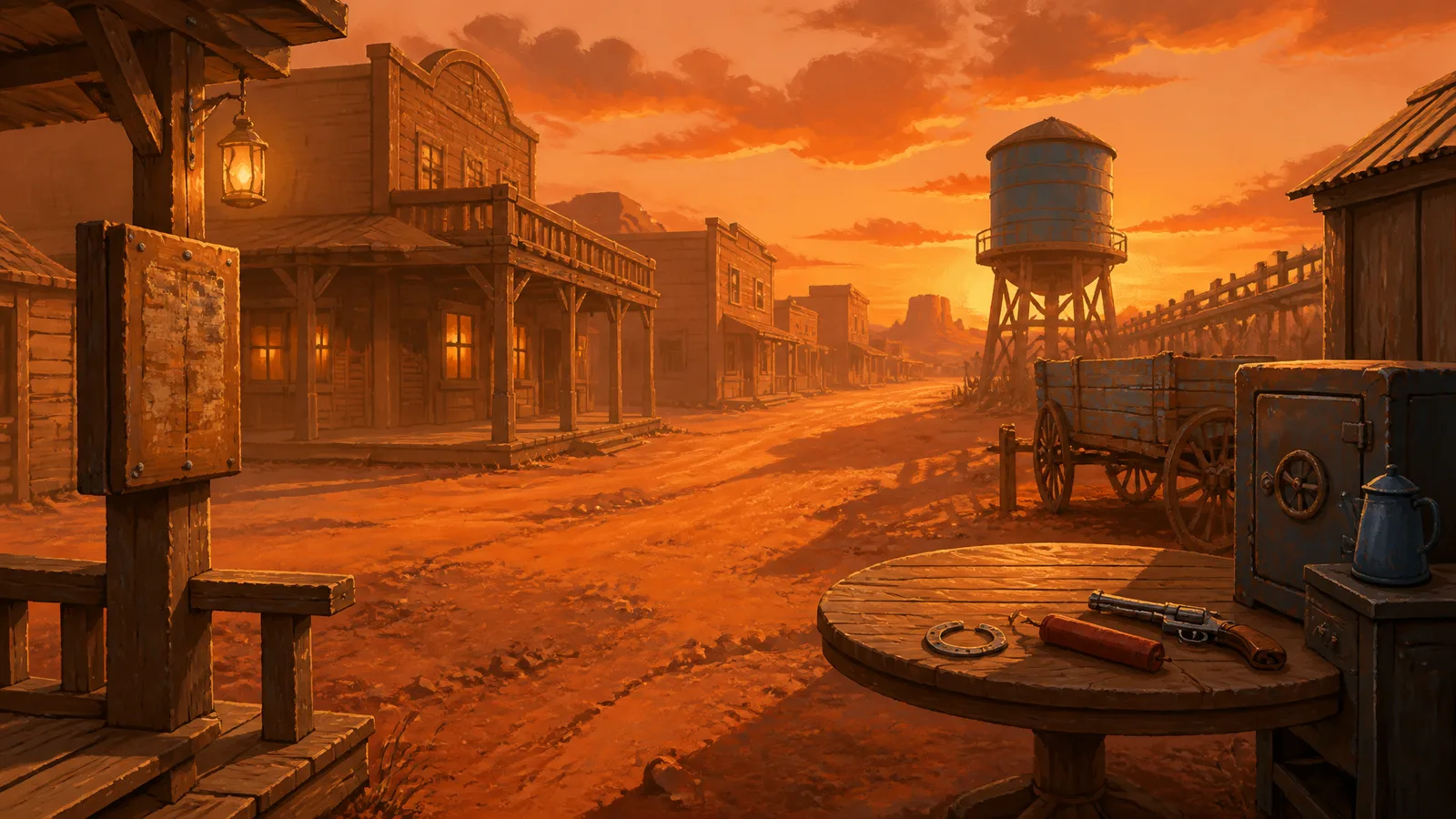
What a slot background has to do
A slot background is the one picture on the screen that is never the point. It establishes where the game happens, then gets out of the way of the reels. The symbols, the title and the mascot all sit over it, and each of them has to stay readable against it.
- Keep the reel area calm. The cabinet covers the centre of the stage, and anything busy around its edges competes with the symbols. On the desktop stage roughly the middle 58% of the width and from 22% to 88% of the height is held low in local contrast. On the phone stage it is most of the width between 38% and 72% of the height.
- Do not go blank. The environment continues through that area with no focal objects. An empty panel shows the moment the cabinet does not cover it exactly.
- Leave room for the title and mascot. The desktop stage needs headroom or a corner for the logo and a side gutter for a standing character. The phone stage needs a calm band above the board for the title.
- Survive a second orientation. A phone screen is not a narrow window onto the desktop art. The cabinet takes most of its width, so a landmark that sat to the side in landscape has to move.
What the generator delivers
Every set ships its stages as separate opaque PNGs, plus a bonus version of each.
| File | Size | What it is |
|---|---|---|
background.png | 1920×1080 | Desktop stage at 16:9, the composition that establishes the location |
background-mobile.png | 768×1366 | Phone stage, the same place redrawn for a vertical camera |
bonus/background.png | Same as desktop | The location in its bonus state |
bonus/background-mobile.png | Same as phone | The phone stage in its bonus state |
corner.png | 512×512 | One ornament, mirrored into all four corners of both stages |
The defaults are 16:9 and 9:16. The brief can instead ask for a 4:3 (1440×1080) or 1:1 (1200×1200) desktop stage, and a 3:4 (768×1024) or 1:1 phone stage. Each orientation is generated separately and cropped to its delivered shape with no synthetic stretched edges, and the prompt is told which band of the picture survives the crop so the important structure stays in frame.
The phone stage is organised vertically: the landmark or depth in the upper third, a calm middle band for the cabinet and a grounded foreground below. The manifest publishes each stage's own reel window, title slot and mascot slot, so switching orientation moves the sprites rather than reusing desktop coordinates.
The set also ships five environment props as transparent cut-outs, one each for a standing, grounded, hanging, handheld and mounted role, so the stage can be dressed in layers without redrawing the background.
Why a background belongs inside the set
A background made on its own has its own idea of where the light comes from. Put a separately generated cabinet and symbols over it and the mismatch is obvious: the frame is lit from the left, the room from the right, and the gold on the symbols is a different gold from the gold in the room.
Here every background is drawn against the same style board and numeric style contract as the rest of the set, with one key light from the upper left. The desktop background fixes the location. The phone background is generated with the desktop one as its reference. The bonus backgrounds are generated with the finished base backgrounds as their reference, so the bonus is the same room under different light rather than a new world. The cabinet, title and mascot come from the same contract, which is why they look as if they were made for this room. The set consistency guide explains the chain.
How to steer the backgrounds from the brief
- Theme. This is the background's main input. Name a concrete place and a clear light: a flooded temple under green lamplight says more than "underwater". Light decides the value range and colour temperature of the whole set.
- The bonus state. Say in the theme what the place looks like in its bonus state: the storm breaks, the lanterns are lit, the tide goes out. The bonus backgrounds take their change from your words; nothing is invented for them.
- Desktop and mobile background. Choose the aspect ratio for each stage in the brief.
- Style and palette. One of five presets, and either named colours or an open palette that the style board chooses once.
- Extra direction. A set-wide note on materials and how the light behaves in both states rides on every asset, backgrounds included.
Keep loose atmosphere in the theme rather than in symbol rows. Weather, particles and effects belong to the background, and the symbol prompts are told so. More on this in writing a slot art prompt.
Changing a background later
Each background is redrawable on its own with a note, as a candidate you accept or reject while the accepted set stays in place. One game set is $19 and includes ten redraws. A redraw note should describe one correction inside the established world, such as a darker sky behind the reels, not a new location. The loading splashes and lobby art are composed from the finished background, so they follow whichever version you accept.
Start a set
Begin at a new game with a game name and a theme sentence. Every set in the showcase plays on its own stages and switches between desktop and phone, and three Scatters relight it into the bonus background. The exact canvases and safe areas are in the slot art specifications, and the cabinet that sits over the background has its own page: the slot reel frame generator.
Questions
- What size should a slot game background be?
- The default desktop background is 1920×1080 at 16:9 and the phone background is 768×1366, roughly 9:16. The brief can also ask for a 4:3 or 1:1 desktop stage and a 3:4 or 1:1 phone stage.
- Can AI make a mobile slot background without cropping the desktop one?
- Yes. The phone background is its own generation. It takes the desktop background as a reference and keeps the same architecture, materials, weather and light, but recomposes the place for a vertical camera instead of cutting a strip out of the landscape art.
- Does the generator make a bonus round background?
- Yes. The bonus pack includes a desktop and a phone bonus background: the same location in a changed state, drawn against the finished base backgrounds so the switch reads as the place changing, not a new world.
- Should a slot background leave an empty space behind the reels?
- No. The environment continues behind the cabinet with low local contrast and no focal objects. A blank rectangle shows as soon as the cabinet does not cover it exactly.